
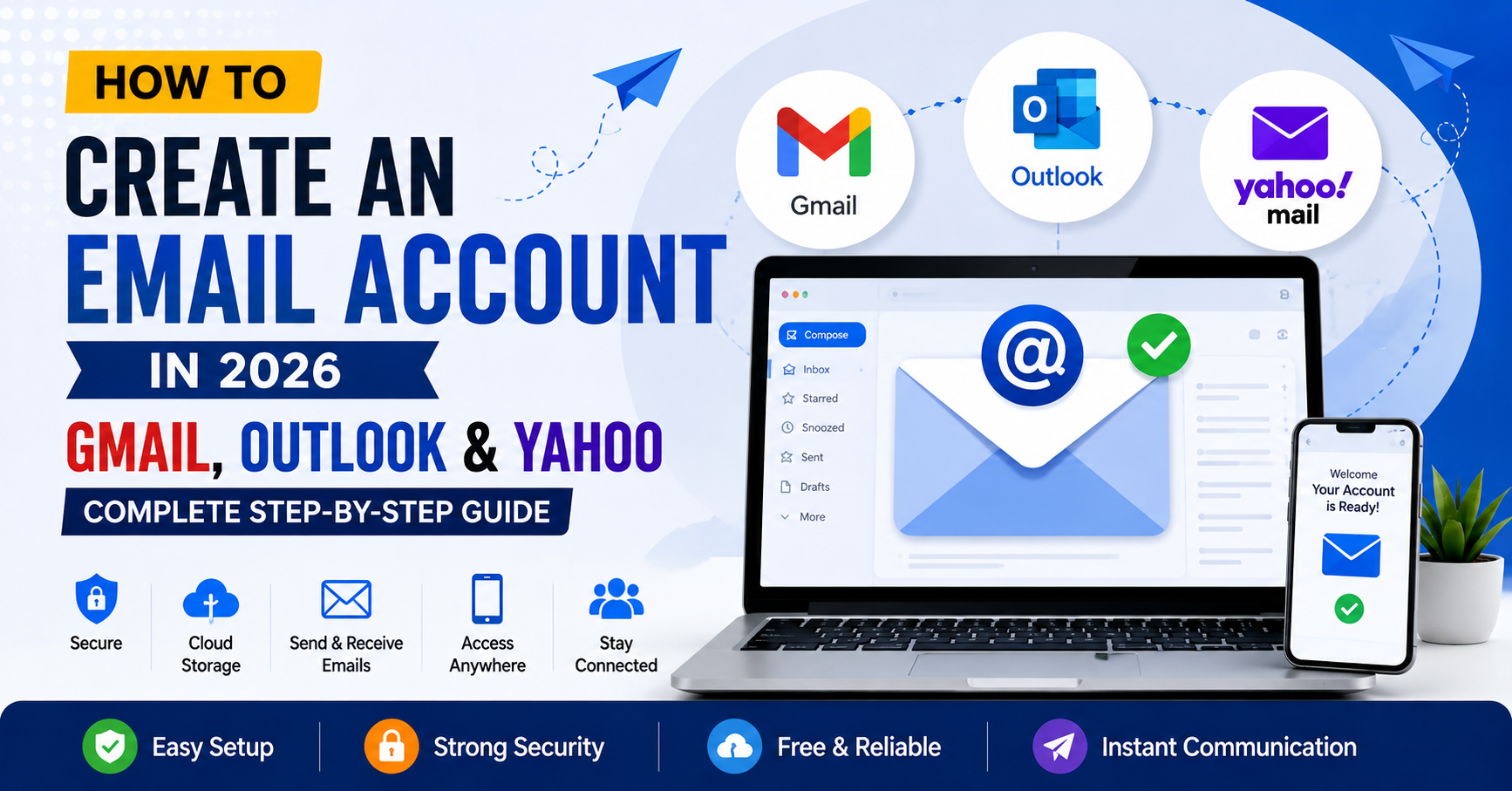
Email Kaise Banaye? (Gmail, Outlook, Yahoo Mail) – Complete Beginner’s Guide in 2026
Introduction
In today’s digital world, having an email account is almost essential. Whether you want to apply for a job, create social media accounts, use online banking, register on websites, communicate professionally, or receive important notifications, an email address has become a necessity.
Many beginners often ask:
-
How do I create an email account?
-
Which email service is best?
-
How can I create a Gmail account?
-
How do I make an Outlook email?
-
Is Yahoo Mail still useful?
This comprehensive guide explains everything you need to know about creating an email account using Gmail, Outlook, and Yahoo Mail.
What is an Email?
Email (Electronic Mail) is a method of sending and receiving messages over the internet.
An email address generally looks like this:
Examples:
Email allows you to:
-
Send messages
-
Receive notifications
-
Share documents and files
-
Register on websites
-
Recover passwords
-
Communicate professionally
Why is Email Important?
Having an email account is important because it helps you:
Job Applications
Most companies require an email address.
Online Banking
Banks send alerts and verification codes.
Social Media Accounts
Facebook, Instagram, and X require email registration.
Online Learning
Educational platforms use email for communication.
Business Communication
Companies rely heavily on email communication.
Government Services
Many government websites require email verification.
Types of Email Services
The most popular email services are:
Gmail
Created by Google and used by billions of people worldwide.
Outlook
Microsoft’s professional email service.
Yahoo Mail
One of the oldest and most popular email providers.
Gmail vs Outlook vs Yahoo Mail Comparison
| Feature | Gmail | Outlook | Yahoo |
|---|---|---|---|
| Free Storage | 15 GB | 15 GB | 1 TB |
| Spam Protection | Excellent | Excellent | Good |
| Professional Use | Excellent | Excellent | Average |
| Integration | Google Services | Microsoft Office | Limited |
| Security | High | High | Good |
| Mobile App | Excellent | Excellent | Good |
How to Create a Gmail Account (Step-by-Step)
Step 1
Open Gmail Sign-Up Page.
Step 2
Click Create Account.
Step 3
Choose:
-
For Myself
-
For Work
-
For Business
Step 4
Enter:
-
First Name
-
Last Name
Step 5
Create Username.
Example:
Step 6
Create Strong Password.
Good Password Example:
Usman@2026Mail
Avoid:
123456
password
admin123
Step 7
Enter Phone Number.
Step 8
Verify OTP.
Step 9
Add Recovery Email.
Step 10
Enter:
-
Date of Birth
-
Gender
Step 11
Accept Google’s Terms.
Congratulations!
Your Gmail account is ready.
Features of Gmail
1. Free 15GB Storage
2. Google Drive Integration
3. Google Meet
4. Google Docs
5. Google Photos
6. Advanced Spam Protection
7. Two-Factor Authentication
Advantages of Gmail
-
Free
-
Secure
-
Professional
-
Easy to use
-
Excellent spam filtering
-
Mobile friendly
How to Create an Outlook Account
Step 1
Open Outlook Sign-Up Page.
Step 2
Click Create Free Account.
Step 3
Choose:
-
@outlook.com
-
@hotmail.com
Step 4
Create Username.
Example:
Step 5
Create Password.
Step 6
Enter Name.
Step 7
Select Country.
Step 8
Enter Date of Birth.
Step 9
Complete Verification.
Your Outlook account is now ready.
Outlook Features
-
Microsoft Office Integration
-
Calendar
-
OneDrive
-
Teams
-
Professional Interface
-
Business Communication Tools
Advantages of Outlook
-
Excellent for professionals
-
Great for businesses
-
Office integration
-
Strong security
-
Clean interface
How to Create a Yahoo Mail Account
Step 1
Open Yahoo Mail.
Step 2
Click Sign Up.
Step 3
Enter:
-
Name
-
Username
-
Password
-
Phone Number
Step 4
Verify Phone Number.
Step 5
Complete Registration.
Your Yahoo account is ready.
Yahoo Mail Features
-
1TB Storage
-
Disposable Email Addresses
-
Custom Themes
-
Large Attachments
-
Spam Filters
Advantages of Yahoo Mail
-
Huge storage
-
Easy interface
-
Good for personal use
-
Simple registration process
Which Email Service is Best?
Best for Students
Gmail
Best for Professionals
Outlook
Best for Large Storage
Yahoo Mail
Best Overall
Gmail
How to Create a Professional Email Address
Bad Examples:
coolboy123@gmail.com
princess786@yahoo.com
Good Examples:
usmanmalik@gmail.com
usman.malik@outlook.com
info@yourwebsite.com
How to Keep Your Email Secure
Use Strong Passwords
Enable Two-Factor Authentication
Never Share OTP
Avoid Suspicious Links
Update Recovery Information
Check Login Activity
Common Email Mistakes Beginners Make
-
Weak passwords
-
Forgetting recovery email
-
Using fake names
-
Sharing passwords
-
Clicking phishing emails
-
Ignoring security settings
Frequently Asked Questions (FAQs)
Can I create an email without a phone number?
Sometimes yes, depending on the provider and verification requirements.
Which email is best for business?
Outlook and custom domain emails.
Which email is best for personal use?
Gmail.
Is Yahoo Mail safe?
Yes, when security settings are enabled.
Can I have multiple email accounts?
Yes.
Is email creation free?
Yes. Gmail, Outlook, and Yahoo Mail are free.
Final Thoughts
Creating an email account is one of the first and most important steps toward participating in today’s digital world. Whether you choose Gmail, Outlook, or Yahoo Mail, having an email address allows you to communicate, work, study, and access online services efficiently.
For most users, Gmail offers the best overall experience due to its security, simplicity, and integration with Google services. Outlook is an excellent choice for professional communication, while Yahoo Mail remains a useful option for users who need large storage capacity.
Choose the email service that best matches your needs and always prioritize security by using strong passwords and enabling two-factor authentication.
One thought on “Email Kaise Banaye? (Gmail, Outlook, Yahoo Mail) – Complete Beginner’s Guide in 2026”
Leave a Reply

Hi, this is a comment.
To get started with moderating, editing, and deleting comments, please visit the Comments screen in the dashboard.
Commenter avatars come from Gravatar.