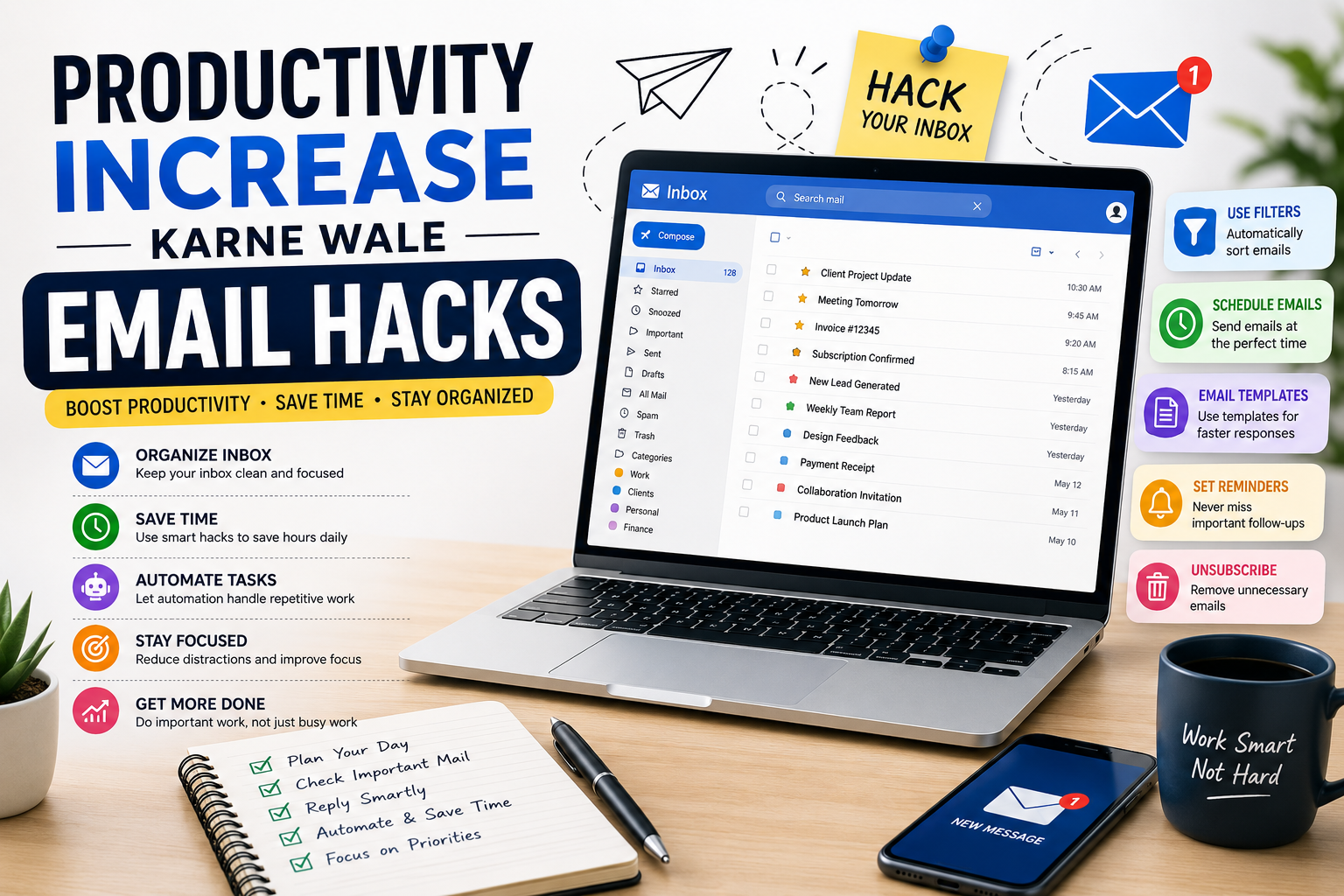
Productivity Increase Karne Wale Email Hacks: The Ultimate Guide to Better Email Management
Introduction
Email has become one of the most important communication tools in today’s digital world. Whether you are a student, freelancer, entrepreneur, remote worker, or corporate employee, email plays a significant role in your daily routine. While email is designed to improve communication and collaboration, it can also become one of the biggest sources of distraction and productivity loss when not managed properly.
Many professionals spend several hours every week reading, sorting, organizing, and responding to emails. Over time, this can reduce focus, interrupt deep work sessions, and create unnecessary stress. An overflowing inbox often leads to missed opportunities, delayed responses, and reduced efficiency.
Fortunately, there are proven email hacks that can help you manage communication more effectively. These productivity-focused strategies are designed to reduce email overload, improve organization, automate repetitive tasks, and help you spend less time in your inbox.
In this comprehensive guide, you will learn practical email productivity hacks that can transform the way you handle email and significantly improve your daily workflow.
Why Email Management Matters for Productivity
Most people underestimate the amount of time they spend managing email. Studies consistently show that professionals check their inboxes dozens of times per day, often interrupting important work in the process.
Every interruption forces the brain to switch contexts, making it harder to maintain concentration. This constant switching reduces efficiency and increases mental fatigue.
Proper email management helps:
- Reduce distractions
- Improve focus
- Save valuable time
- Increase efficiency
- Reduce workplace stress
- Improve communication quality
The goal is not to eliminate email entirely but to control how and when you interact with it.
Common Email Productivity Challenges
Before implementing email hacks, it is important to understand the most common problems people face.
Email Overload
Many users receive hundreds of emails every week. Sorting through these messages can quickly become overwhelming.
Constant Notifications
Email notifications interrupt work and encourage frequent inbox checking.
Poor Organization
Without a clear structure, important messages become difficult to locate.
Delayed Responses
An overloaded inbox often causes important emails to be overlooked.
Lack of Automation
Many users perform repetitive tasks manually instead of using available automation tools.
Recognizing these challenges is the first step toward solving them.
Email Hack #1: Stop Checking Email Constantly
One of the biggest productivity mistakes is keeping email open all day.
Many professionals feel compelled to check every new message immediately. While this may seem efficient, it often creates continuous interruptions.
Instead of checking email constantly, schedule dedicated email sessions throughout the day.
For example:
- Morning Email Session
- Midday Email Session
- Late Afternoon Email Session
This approach allows you to focus on important work without unnecessary distractions.
Email Hack #2: Use the Two-Minute Rule
The Two-Minute Rule is one of the most effective productivity techniques available.
The principle is simple:
If an email can be handled in less than two minutes, deal with it immediately.
Examples include:
- Quick confirmations
- Short replies
- Appointment approvals
- Simple requests
Handling these emails immediately prevents small tasks from accumulating.
Email Hack #3: Create an Organized Folder System
A well-organized inbox can dramatically improve efficiency.
Recommended folders include:
Action Required
Emails that need your attention.
Waiting for Response
Emails awaiting replies from others.
Read Later
Articles, newsletters, and educational content.
Reference
Receipts, contracts, and important records.
Archive
Completed communications.
This structure makes it easier to process emails quickly.
Email Hack #4: Use Email Filters
Email filters automatically organize incoming messages.
Filters can:
- Sort emails into folders
- Apply labels
- Mark messages as important
- Archive newsletters
- Block spam
Automation reduces manual work and keeps the inbox organized.
Email Hack #5: Turn Off Unnecessary Notifications
Notifications are one of the biggest productivity killers.
Every email alert interrupts concentration and increases task-switching.
Consider disabling:
- Desktop notifications
- Sound alerts
- Mobile pop-ups
- Browser notifications
You can still check email during scheduled processing sessions.
Email Hack #6: Unsubscribe Aggressively
Most inbox clutter comes from newsletters, promotions, and marketing emails.
If a subscription no longer provides value, unsubscribe immediately.
Removing unnecessary emails reduces inbox volume and makes important messages easier to identify.
A monthly unsubscribe review can significantly improve inbox quality.
Email Hack #7: Use Email Templates
Many professionals send similar responses repeatedly.
Templates allow you to save common replies and reuse them when needed.
Examples include:
- Client responses
- Meeting confirmations
- Support replies
- Project updates
Templates save time while ensuring consistent communication.
Email Hack #8: Keep Emails Short and Clear
Long emails consume more time for both the sender and recipient.
Whenever possible:
- Get to the point quickly.
- Use short paragraphs.
- Include clear action items.
- Avoid unnecessary details.
Clear communication reduces follow-up emails and improves efficiency.
Email Hack #9: Use Search Instead of Manual Sorting
Modern email platforms offer powerful search features.
Instead of spending time browsing folders, use advanced search operators to locate messages instantly.
This saves time and reduces organizational complexity.
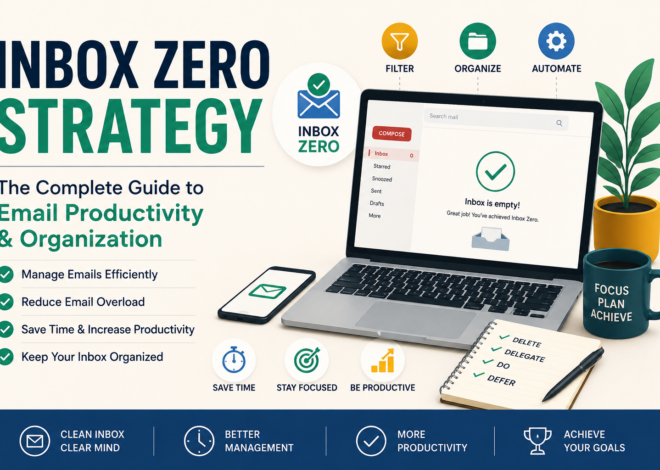
Email Hack #10: Apply the Inbox Zero Method
Inbox Zero is a productivity system focused on processing emails rather than storing them.
Every email should be:
- Deleted
- Delegated
- Answered
- Deferred
- Archived
This method prevents inbox clutter and improves workflow management.
The Relationship Between Email Productivity and Time Management
Email productivity is closely connected to overall time management.
Poor email habits often result in:
- Missed deadlines
- Reduced focus
- Delayed projects
- Increased stress
By improving email management, professionals gain more control over their schedules and daily workload.
Effective email habits create more time for strategic and high-value work.
Advanced Gmail, Outlook, Automation, and Time-Saving Email Productivity Techniques
In Part 1, we discussed the importance of email management and explored some of the most effective email productivity hacks that help professionals save time and reduce distractions. While those strategies provide a strong foundation, modern email platforms offer many advanced features that can further improve productivity.
In this section, we will explore Gmail productivity techniques, Outlook optimization methods, automation strategies, email shortcuts, and professional workflows that can help you process emails faster and work more efficiently.
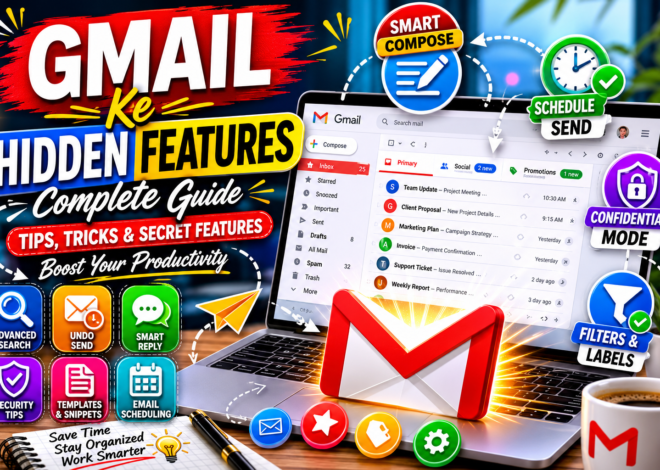
Gmail Productivity Hacks for Faster Email Management
Gmail is one of the most powerful email platforms available today. However, many users only utilize a fraction of its productivity features.
Learning how to leverage Gmail’s built-in tools can dramatically improve inbox organization and reduce time spent managing emails.
Use Gmail Labels Instead of Traditional Folders
Unlike traditional email systems, Gmail uses labels instead of folders.
Labels provide greater flexibility because a single email can belong to multiple categories simultaneously.
For example, a message can be labeled:
- Client
- Urgent
- Project A
This allows users to organize emails more efficiently and retrieve information faster.
A simple label structure often works best.
Recommended labels include:
- Action Required
- Waiting for Reply
- Important
- Clients
- Finance
- Personal
- Read Later
Avoid creating too many labels, as excessive complexity can reduce efficiency.
Master Gmail Search Operators
Many users waste valuable time searching manually through emails.
Gmail includes powerful search operators that can locate messages instantly.
Useful examples include:
Find Emails from a Specific Person
from:name@example.com
Find Emails with Attachments
has:attachment
Find Unread Emails
is:unread
Find Emails Older Than One Year
older_than:1y
Find Emails with Specific Words
subject:invoice
These search operators can save hours every month.
Enable Gmail Keyboard Shortcuts
Keyboard shortcuts significantly speed up email processing.
Instead of using the mouse for every action, users can perform tasks instantly.
Popular Gmail shortcuts include:
- C = Compose
- E = Archive
- R = Reply
- A = Reply All
- F = Forward
- D= Delete
Power users often process emails several times faster using shortcuts.
Schedule Emails for Future Delivery
Gmail’s Schedule Send feature allows users to write emails now and deliver them later.
This is useful for:
- Different time zones
- Business communication
- Client follow-ups
- Marketing campaigns
Scheduled emails improve communication timing without requiring manual intervention.
Use Gmail Stars and Priority Markers
Not every email deserves equal attention.
Stars help identify important messages quickly.
Many professionals use different colored stars to indicate:
- High priority
- Follow-up needed
- Waiting for response
- Important projects
Visual indicators improve workflow efficiency and reduce missed tasks.
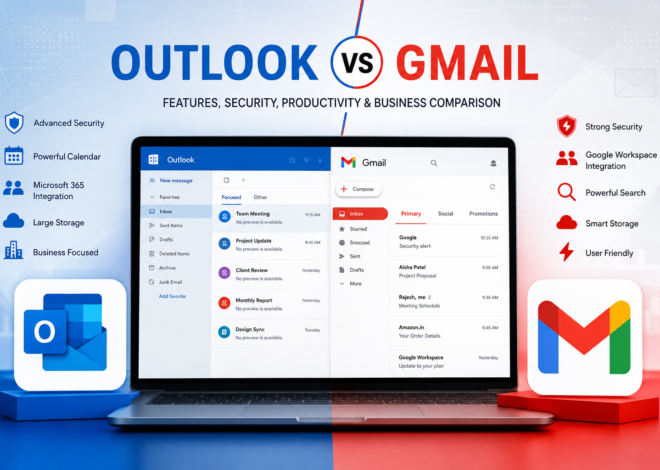
Outlook Productivity Hacks
Microsoft Outlook remains one of the most widely used business email platforms.
Its advanced productivity features make it particularly valuable for professionals and organizations.
Create Outlook Rules
Rules automatically process incoming messages according to predefined conditions.
For example:
- Move invoices to Finance
- Route newsletters to Read Later
- Flag emails from important clients
- Forward support requests automatically
Automation reduces manual inbox management and improves consistency.
Use Outlook Categories
Categories allow users to group related emails together.
Examples include:
- Urgent
- Customer Support
- Internal Team
- Sales
- Accounting
Color-coded categories make important emails easier to identify.
This feature is especially useful in high-volume email environments.
Use Quick Steps
Quick Steps automate multiple actions with a single click.
For example:
A single Quick Step can:
- Move an email
- Apply a category
- Mark it as read
- Archive it
These shortcuts save significant time when processing large inboxes.
Use Outlook Focused Inbox
Focused Inbox automatically separates important messages from less important communication.
The Focused tab contains:
- Important contacts
- Business communications
- High-priority conversations
The Other tab contains:
- Newsletters
- Promotions
- Notifications
This separation helps users focus on important work without distractions.
Email Automation Strategies
Automation is one of the most effective ways to improve productivity.
Every repetitive task that can be automated saves time and reduces mental workload.
Automatically Organize Newsletters
Newsletters often represent a large portion of inbox volume.
Rather than manually reviewing them, create filters that automatically move them into a dedicated folder.
This keeps the primary inbox focused on actionable communication.
Automate Receipts and Purchase Confirmations
Online shopping, software subscriptions, and business expenses generate numerous receipts.
Creating automatic filters for financial emails improves organization and simplifies record-keeping.
During tax season, properly organized receipts can save considerable time.
Automate Team Communication
Businesses frequently receive internal updates, project notifications, and collaboration messages.
Automation can organize these emails into dedicated folders.
This keeps communication organized and reduces inbox clutter.
Automatically Archive Completed Conversations
Many email systems allow automatic archiving of older conversations.
This keeps the inbox clean without deleting valuable information.
Archived messages remain searchable whenever needed.
The Best Time Management Techniques for Email
Productivity is not only about tools. It is also about how you allocate your time.
The most productive professionals follow structured email schedules.
Time Blocking for Email
Time blocking involves assigning specific periods for email processing.
Example schedule:
Morning Session
9:00 AM – 9:30 AM
Midday Session
1:00 PM – 1:20 PM
Afternoon Session
4:00 PM – 4:30 PM
Outside these periods, email remains closed.
This approach reduces interruptions and improves concentration.
Avoid Email Multitasking
Many people attempt to manage email while working on important projects.
Research consistently shows that multitasking reduces productivity.
Instead:
- Focus on one task at a time.
- Process emails during dedicated sessions.
- Avoid switching constantly between work and communication.
Single-tasking improves efficiency and work quality.
Set Response Expectations
Not every email requires an immediate response.
Professionals often create expectations by responding too quickly.
Establishing reasonable response times reduces pressure and improves focus.
For example:
- Internal emails: Within one business day.
- Client emails: Within a few hours.
- Urgent matters: As soon as possible.
Clear expectations improve workflow management.
Managing High Email Volume
Some professionals receive hundreds of emails daily.
Managing large inboxes requires additional strategies.
Prioritize Important Senders
Identify key contacts such as:
- Clients
- Managers
- Business partners
- Team leaders
Create filters that highlight messages from these individuals.
This ensures important communications receive immediate attention.
Process Emails by Priority
Not all messages deserve equal attention.
Create categories such as:
High Priority
Immediate action required.
Medium Priority
Action needed later.
Low Priority
Informational only.
Prioritization prevents important work from being buried under less significant communication.
Productivity Tools That Improve Email Efficiency
Several tools can help users manage email more effectively.
Clean Email
Clean Email helps organize large inboxes quickly.
Users can group similar messages together and perform bulk actions.
SaneBox
SaneBox uses artificial intelligence to identify important emails.
Low-priority messages are moved into separate folders automatically.
Mailbird
Mailbird combines multiple email accounts into one interface.
This reduces complexity and improves efficiency.
Spark Mail
Spark provides intelligent inbox management and collaboration features.
It is especially useful for teams and professionals.
Boomerang
Boomerang allows users to:
- Schedule emails
- Set reminders
- Track responses
These features improve communication management and follow-up efficiency.
Common Productivity Mistakes to Avoid
Even with the best tools, certain habits can reduce productivity.
Common mistakes include:
- Constantly checking email.
- Keeping notifications enabled.
- Using email as a task manager.
- Creating too many folders.
- Ignoring automation opportunities.
- Leaving emails unread indefinitely.
Avoiding these mistakes significantly improves results.
Building an Email Productivity System
The most productive individuals do not rely on motivation alone.
Instead, they create systems.
An effective email system includes:
- Filters
- Labels
- Automation
- Time blocking
- Templates
- Scheduled reviews
Systems create consistency and reduce decision fatigue.
Advanced Email Productivity Systems, AI Tools, Inbox Zero Workflow, Case Studies, FAQs, and Expert Strategies
In Part 1, we explored the fundamentals of email productivity and discussed essential hacks for managing inboxes more effectively. In Part 2, we covered advanced Gmail and Outlook features, automation techniques, filters, labels, and time management methods. In this final section, we will focus on advanced productivity systems, AI-powered email tools, Inbox Zero workflows, real-world case studies, expert strategies, and frequently asked questions.
Mastering these concepts will help you transform email from a daily distraction into a powerful productivity tool that supports your personal and professional goals.
Why Advanced Email Productivity Matters
Most people understand basic email management. They know how to send messages, organize folders, and reply to emails.
However, highly productive professionals approach email differently.
They use systems, automation, templates, artificial intelligence, and structured workflows to reduce repetitive tasks and maximize efficiency.
The goal is not simply to manage email better.
The goal is to spend less time on email while achieving better communication outcomes.
This distinction is what separates average email users from highly productive professionals.
Understanding the Inbox Zero Workflow
Inbox Zero remains one of the most effective email productivity systems ever developed.
Many people assume Inbox Zero means having an empty inbox.
In reality, Inbox Zero focuses on reducing the mental burden associated with email.
Every incoming message should receive one of the following actions:
- Delete
- Delegate
- Respond
- Schedule
- Archive
This simple framework prevents emails from accumulating unnecessarily.
When used consistently, Inbox Zero creates a cleaner inbox and a clearer mind.
Building a Sustainable Inbox Zero System
Achieving Inbox Zero once is relatively easy.
Maintaining it every day requires a sustainable process.
A successful Inbox Zero system typically includes:
Scheduled Email Sessions
Rather than checking email continuously, users process emails at designated times.
Smart Filters
Automation reduces manual sorting.
Quick Decision-Making
Every email receives an immediate decision.
Clear Folder Structure
Emails are organized logically.
Regular Maintenance
Weekly reviews prevent backlog accumulation.
Together, these elements create a system that remains effective over the long term.
The One-Touch Rule
One of the most powerful productivity principles is the One-Touch Rule.
This rule states that an email should be handled the first time it is opened.
Many users repeatedly read the same messages without taking action.
This wastes time and creates mental clutter.
Instead, when opening an email:
- Delete it.
- Reply to it.
- Delegate it.
- Schedule it.
- Archive it.
Avoid returning to the same message multiple times.
This single habit can dramatically improve efficiency.
AI-Powered Email Productivity Tools
Artificial Intelligence is transforming email management.
Modern AI tools can summarize emails, generate replies, prioritize messages, and automate repetitive tasks.
Professionals who leverage AI often save several hours per week.
AI Email Summaries
Long email threads can consume significant time.
AI-powered summaries provide concise overviews of lengthy conversations.
Benefits include:
- Faster decision-making
- Reduced reading time
- Improved understanding of complex discussions
This feature is particularly useful for managers and executives.
AI Reply Suggestions
Many email platforms now offer suggested responses.
These recommendations help users respond quickly without typing every message manually.
Examples include:
- Meeting confirmations
- Appointment scheduling
- Basic acknowledgments
- Customer service replies
Although customization is still important, AI-generated drafts often save considerable time.
Smart Prioritization
AI can identify important messages based on:
- Sender importance
- Previous interactions
- Email content
- Urgency indicators
This allows users to focus on critical communication first.
Email Templates for Maximum Efficiency
Many professionals send similar emails repeatedly.
Examples include:
- Client onboarding
- Meeting confirmations
- Customer support responses
- Project updates
- Follow-up messages
Creating templates eliminates repetitive typing.
Templates ensure:
- Consistent communication
- Faster responses
- Reduced workload
Organizations often maintain entire libraries of approved email templates.
Batch Processing Emails
Batch processing involves handling emails in groups rather than individually throughout the day.
This approach minimizes interruptions and improves concentration.
A typical batch-processing schedule may include:
First Session
Morning email review.
Second Session
Midday email processing.
Third Session
End-of-day inbox cleanup.
Between these sessions, email remains closed.
This strategy allows deeper focus on important tasks.
Managing Multiple Email Accounts
Many professionals maintain several email accounts.
Examples include:
- Personal email
- Business email
- Client email
- Support email
- Marketing email
Without proper organization, managing multiple inboxes becomes overwhelming.
Best practices include:
- Using a unified inbox.
- Creating separate labels.
- Applying account-specific filters.
- Scheduling review periods.
A centralized system improves visibility and reduces confusion.
Reducing Email Stress
Email-related stress has become a major workplace issue.
Common causes include:
- Excessive inbox volume
- Constant notifications
- Unclear priorities
- Delayed responses
- Information overload
Reducing email stress requires both technical solutions and behavioral changes.
Strategies include:
- Disabling unnecessary alerts.
- Setting communication boundaries.
- Using automation tools.
- Following Inbox Zero principles.
- Practicing structured email management.
A calm inbox often leads to a calmer workday.
Real-World Productivity Case Study: Freelancer
Consider a freelance graphic designer who receives approximately 80 emails per day.
Before implementing productivity systems:
- Important client emails were overlooked.
- Projects experienced delays.
- Response times were inconsistent.
- The inbox contained thousands of messages.
After adopting productivity-focused email habits:
- Filters organized incoming messages automatically.
- Templates reduced response time.
- Inbox Zero improved organization.
- Email processing time decreased significantly.
The result was improved client satisfaction and increased productivity.
Real-World Productivity Case Study: Small Business Owner
A small business owner managing customer inquiries, invoices, and supplier communication often struggles with email overload.
By implementing:
- Automated folders
- Priority labels
- Scheduled email sessions
- AI-powered assistance
The owner reduced daily email management time while improving customer response quality.
This demonstrates how email productivity directly impacts business performance.
The Relationship Between Email Productivity and Deep Work
Deep work refers to focused, uninterrupted effort on cognitively demanding tasks.
Email interruptions are one of the biggest obstacles to deep work.
Every notification forces the brain to switch attention.
This context switching reduces efficiency and increases fatigue.
By controlling email access and using scheduled processing sessions, professionals create more opportunities for deep work.
The result is higher-quality output and improved performance.
Best Daily Email Productivity Routine
A productive daily email routine may include:
Morning
Review urgent emails and handle critical matters.
Midday
Process new messages and respond to priority communications.
Afternoon
Clear remaining actionable emails.
End of Day
Archive completed conversations and prepare for the next day.
Consistency is more important than perfection.
Following a routine reduces decision fatigue and improves organization.
Common Email Productivity Mistakes
Even experienced professionals make mistakes that reduce efficiency.
Examples include:
Constant Inbox Monitoring
Checking email every few minutes destroys focus.
Keeping Every Email
Unnecessary emails create clutter.
Ignoring Automation
Manual processes waste time.
Poor Folder Organization
Complex systems often become difficult to maintain.
Delayed Decision-Making
Postponing email actions leads to backlog.
Avoiding these mistakes improves long-term productivity.
Measuring Email Productivity Success
Tracking performance helps determine whether your system is working.
Useful metrics include:
- Average response time
- Inbox size
- Daily email processing time
- Number of unread emails
- Weekly email volume
Monitoring these indicators reveals areas for improvement.
Over time, productivity gains become measurable and sustainable.
Frequently Asked Questions
How Many Times Should I Check Email Daily?
Most productivity experts recommend checking email two to four times per day rather than continuously.
Is Inbox Zero Necessary?
Not necessarily. The objective is efficient email management, not achieving perfection.
However, Inbox Zero provides a highly effective framework.
Are Email Productivity Tools Worth Using?
Yes. Automation, templates, filters, and AI tools can save significant time and reduce repetitive work.
How Long Does It Take to Improve Email Productivity?
Many users notice improvements within a few days. Significant results often appear after several weeks of consistent practice.
Can AI Replace Human Email Management?
AI can assist with organization and drafting responses, but human judgment remains essential for important communication.
Expert Tips for Long-Term Email Productivity
Successful professionals often share the following habits:
Keep Systems Simple
Complex workflows become difficult to maintain.
Automate Repetitive Tasks
Use technology whenever possible.
Schedule Email Time
Avoid constant inbox monitoring.
Unsubscribe Regularly
Reduce unnecessary email volume.
Archive Frequently
Keep the inbox focused on actionable items.
Review Weekly
Regular maintenance prevents inbox overload.
Conclusion
Email can either be a powerful productivity tool or a major source of distraction. The difference depends on how effectively it is managed. By implementing proven email hacks such as scheduled email sessions, automation, folder organization, templates, filters, and Inbox Zero principles, users can dramatically improve efficiency and reduce inbox-related stress.
These strategies not only save time but also help create a more organized and productive workflow.
In Part 2, we will explore advanced Gmail and Outlook productivity hacks, email automation techniques, smart filters, keyboard shortcuts, and powerful tools that can help professionals save hours every week.